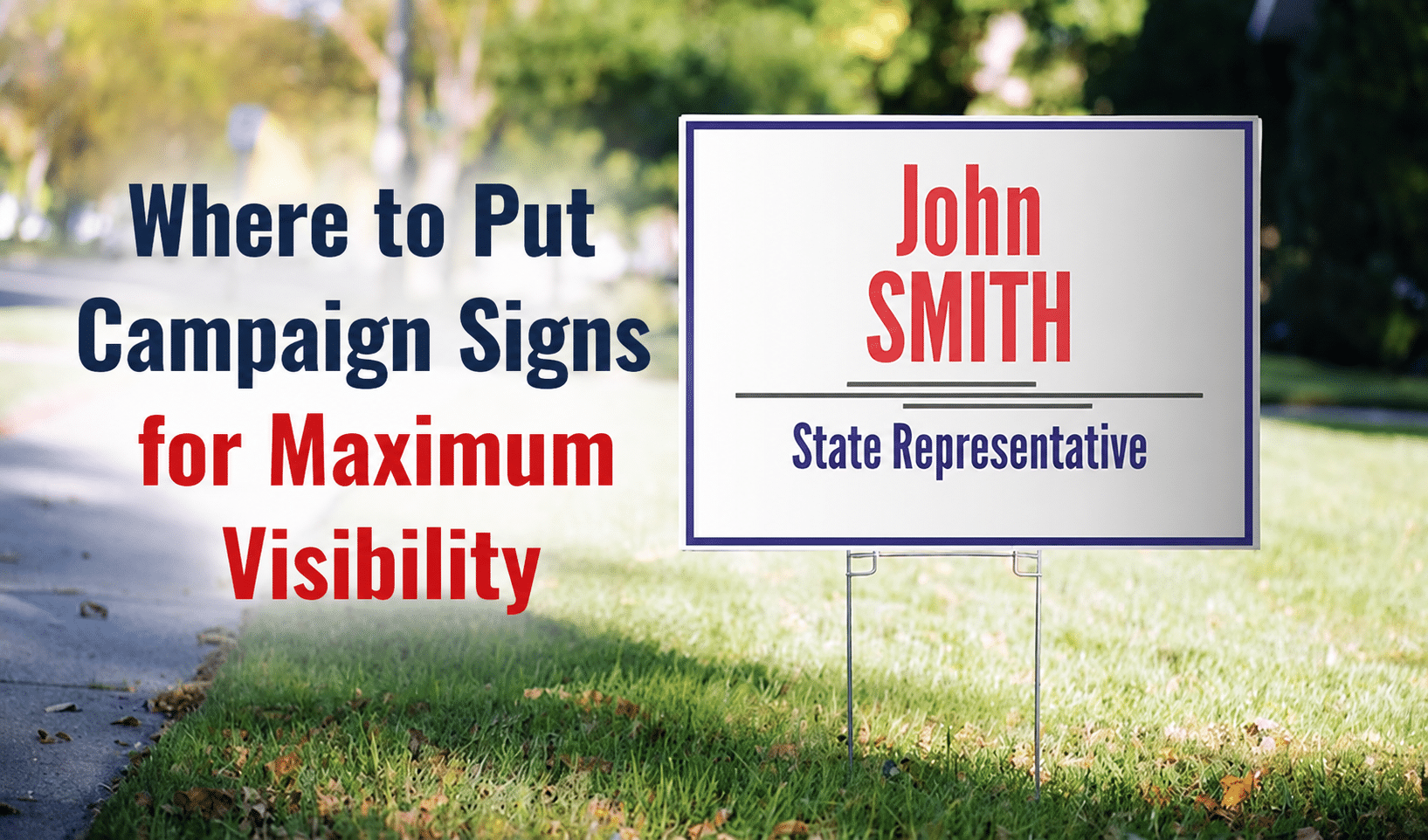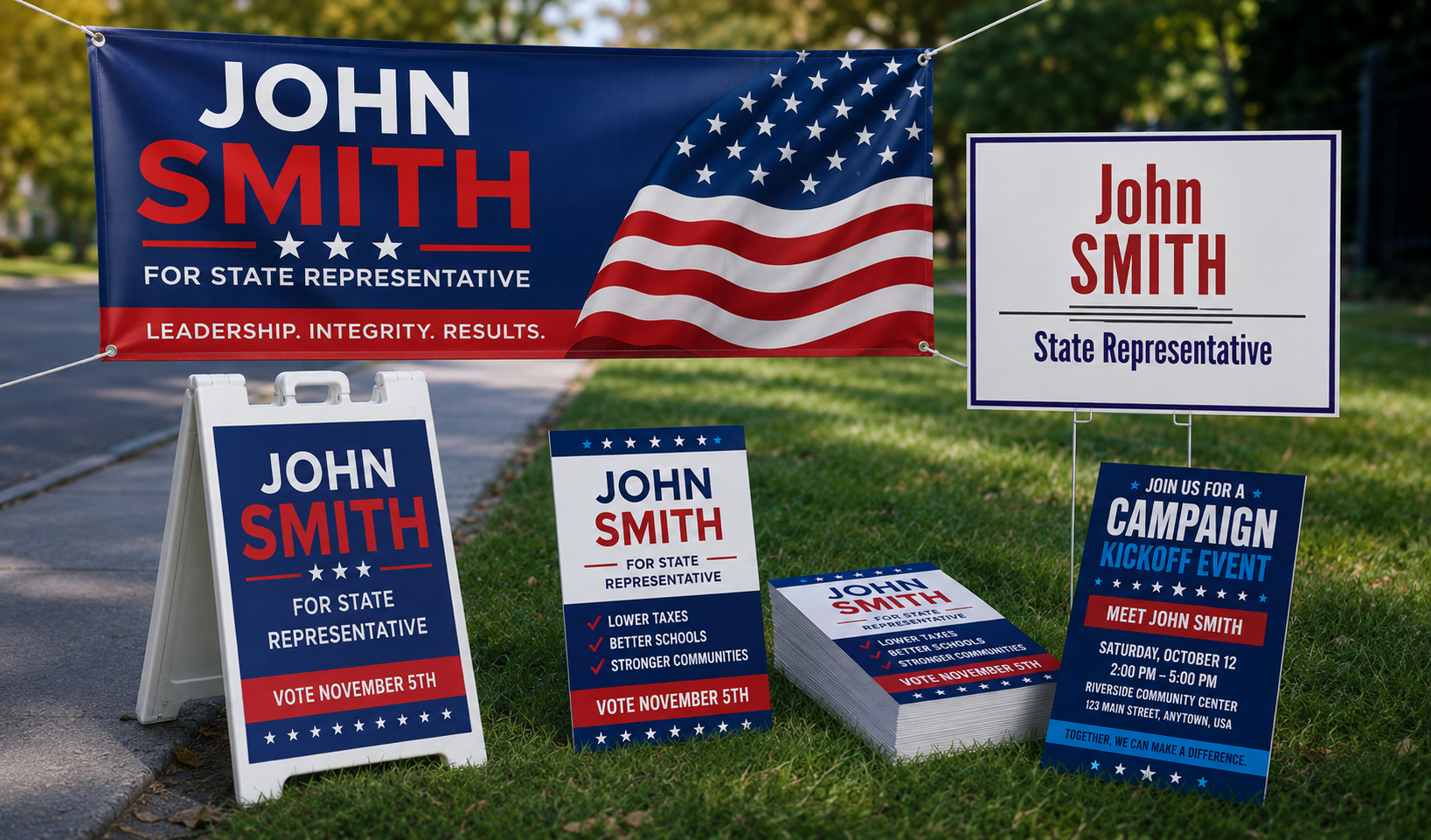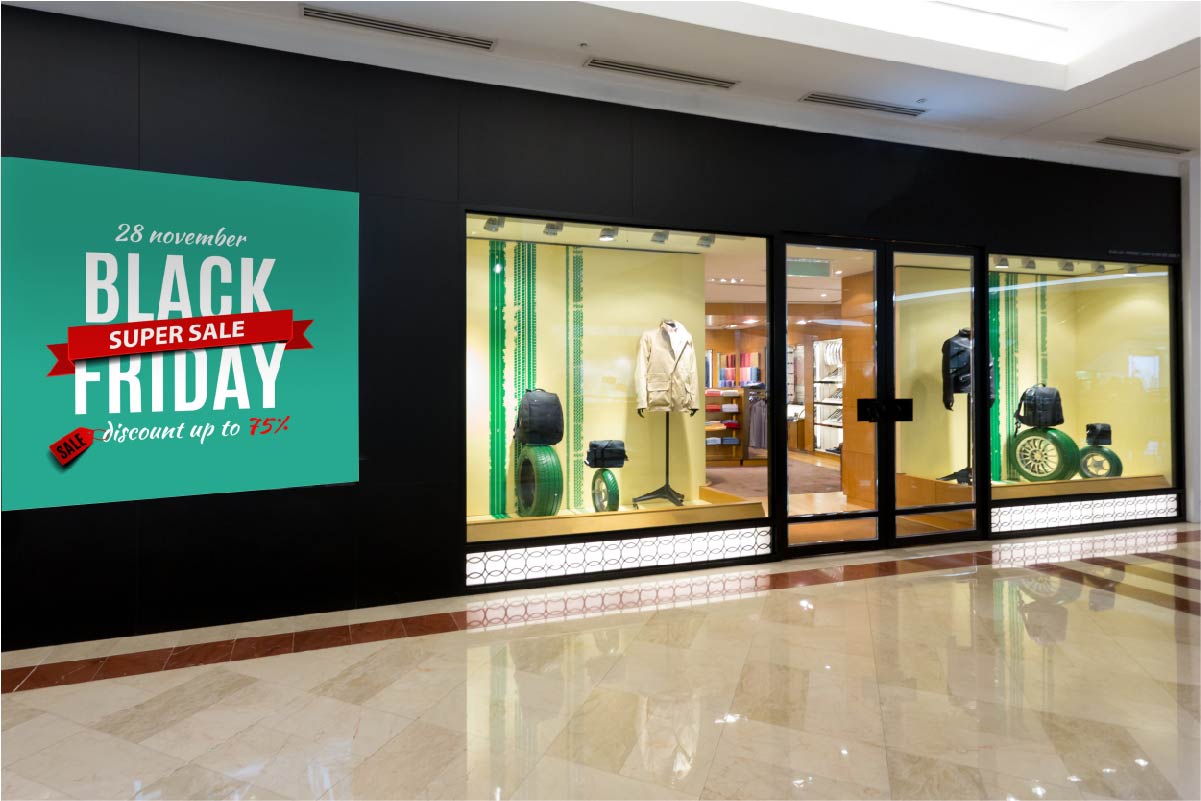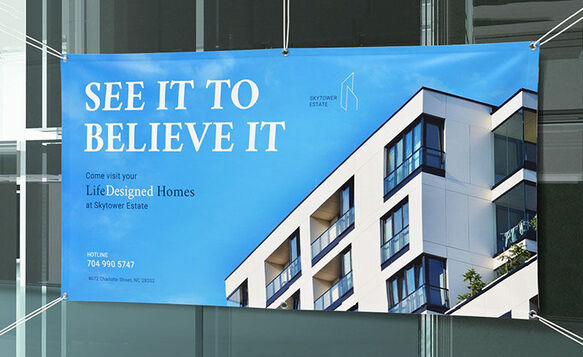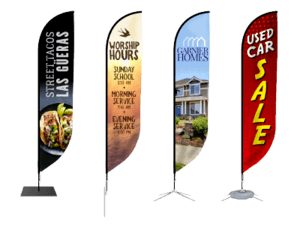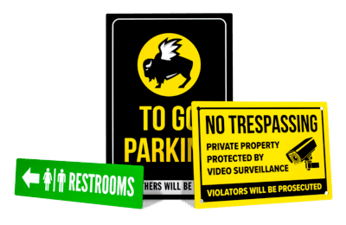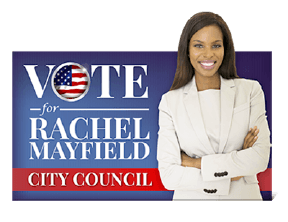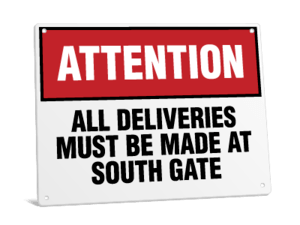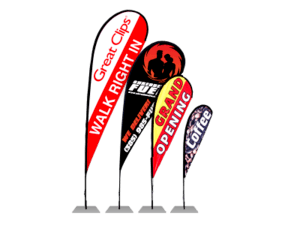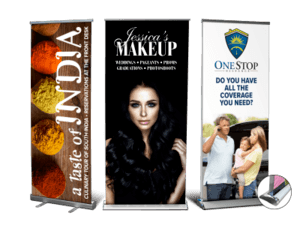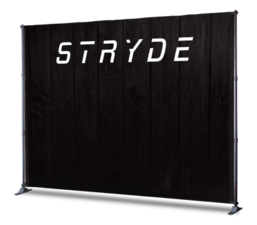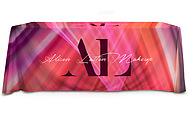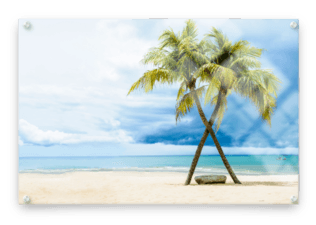

Designing posters, banners, and signage used to require advanced design skills and expensive software. Today, AI tools have changed that. Whether you’re a small business owner, event organizer, or first-time designer, you can now create professional-looking large-format graphics in minutes.
This guide covers the best AI design tools and how to use them to create print-ready posters, banners, and signs with confidence.
Why Use AI Tools for Posters, Banners, and Signage?
AI design tools are quickly becoming a go-to solution for creating large-format graphics, and for good reason.
Speed
AI can generate layouts, images, and design variations in seconds. What used to take hours or days can now be done in a fraction of the time.
Accessibility
You don’t need formal design training to get started. Most AI tools are built with user-friendly interfaces that guide you through the process.
Cost-Effective
Hiring a designer or purchasing advanced software can be expensive. AI tools offer a more affordable way to create high-quality visuals.
Iteration and Flexibility
AI allows you to experiment with multiple styles, layouts, and concepts quickly. You can refine your design until it matches your vision.
Sample Use Cases
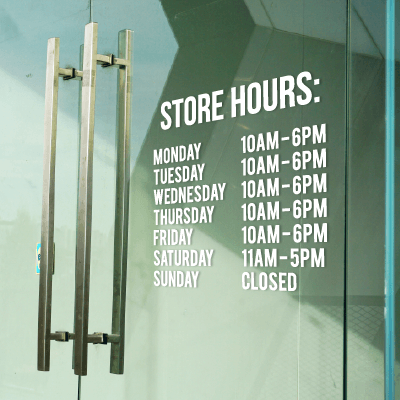
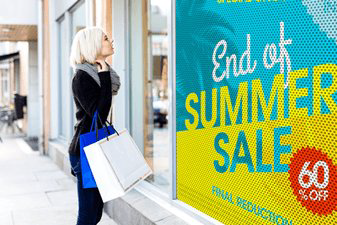
- Retail store promotions and window signage
- Event posters and directional signs
- Trade show banners and backdrops
- Restaurant menus and seasonal displays
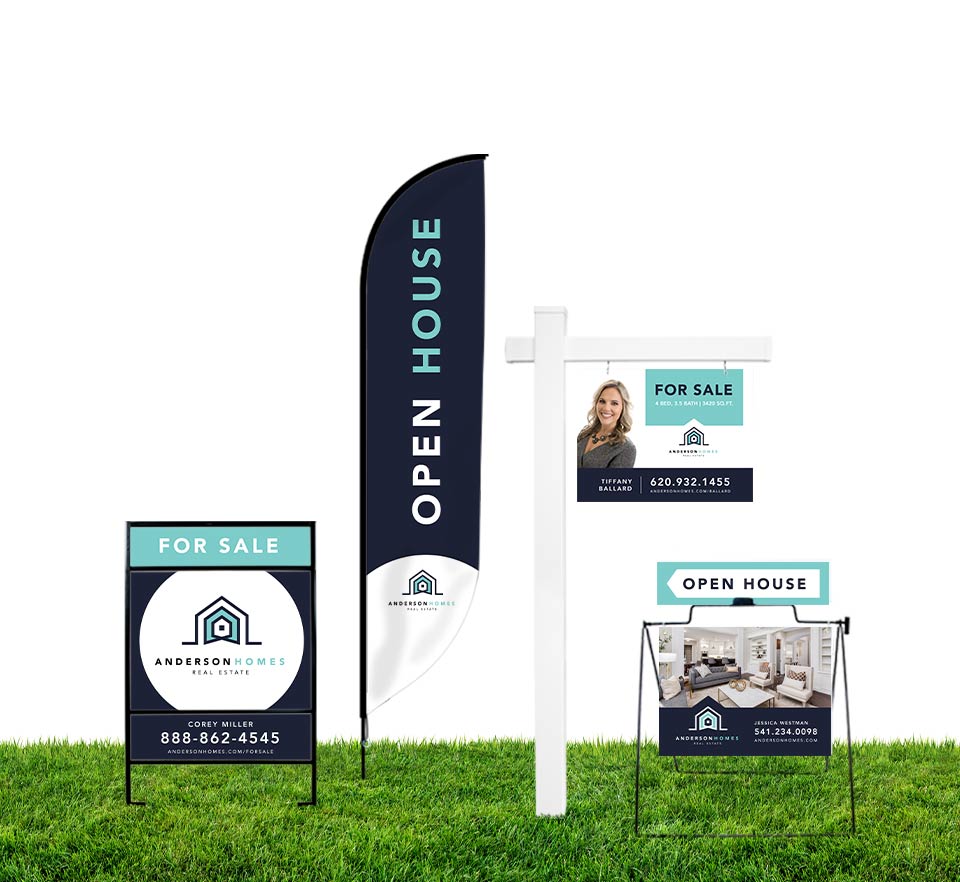
- Real estate and yard signage
What to Look for in AI Tools for Large-Format Design
Not all AI tools are built for print. When designing for posters and banners, keep these key features in mind:
High-Resolution Output
Large-format prints require high-resolution files to avoid pixelation. Look for tools that support high-quality exports suitable for printing.
Custom Size and Scaling Options
Your design should match the final print size from the start. Tools that allow custom dimensions help prevent distortion and layout issues later.
Text and Layout Control
AI-generated designs are helpful, but you’ll still need manual control. Choose tools that let you adjust typography, spacing, and layout easily.
Export Formats for Print
Make sure the tool supports print-ready formats like PDF or high-resolution PNG. Bonus if it allows bleed and margin settings.
Brand Consistency Features
If you’re designing for a business, look for tools that let you save brand colors, fonts, and logos for consistent output across materials
Best AI Tools for Posters, Banners, and Signs
Here are some of the most effective AI tools you can use to design large-format graphics:
1. ChatGPT
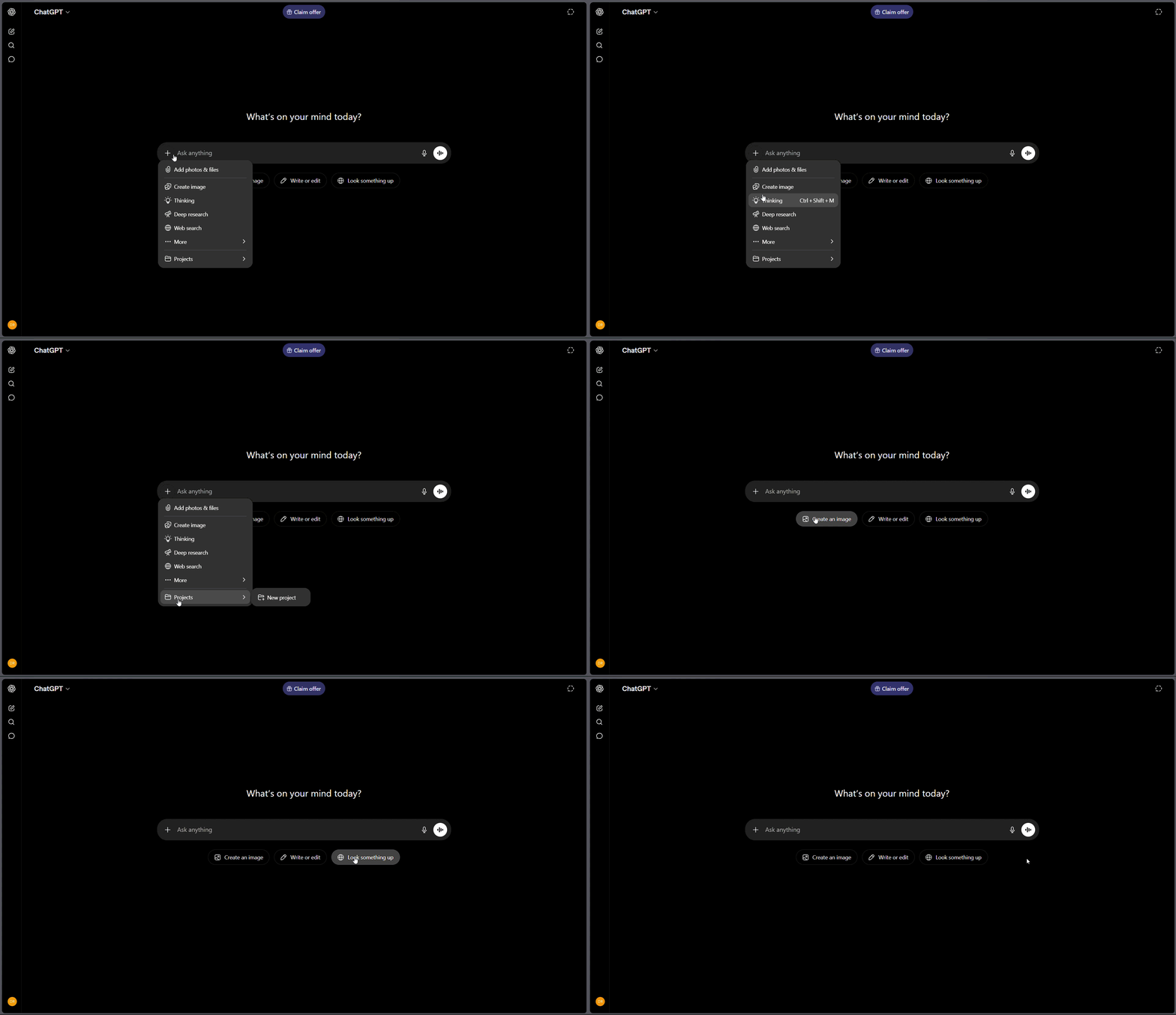
ChatGPT interface showing an expanded prompt attachment menu
Best for generating ideas, copy, and creative direction.
Use ChatGPT to brainstorm poster concepts, write headlines, generate taglines, or even create structured design prompts for other AI tools. It’s especially useful during the early stages when you’re shaping your message and visual direction.
2. Canva
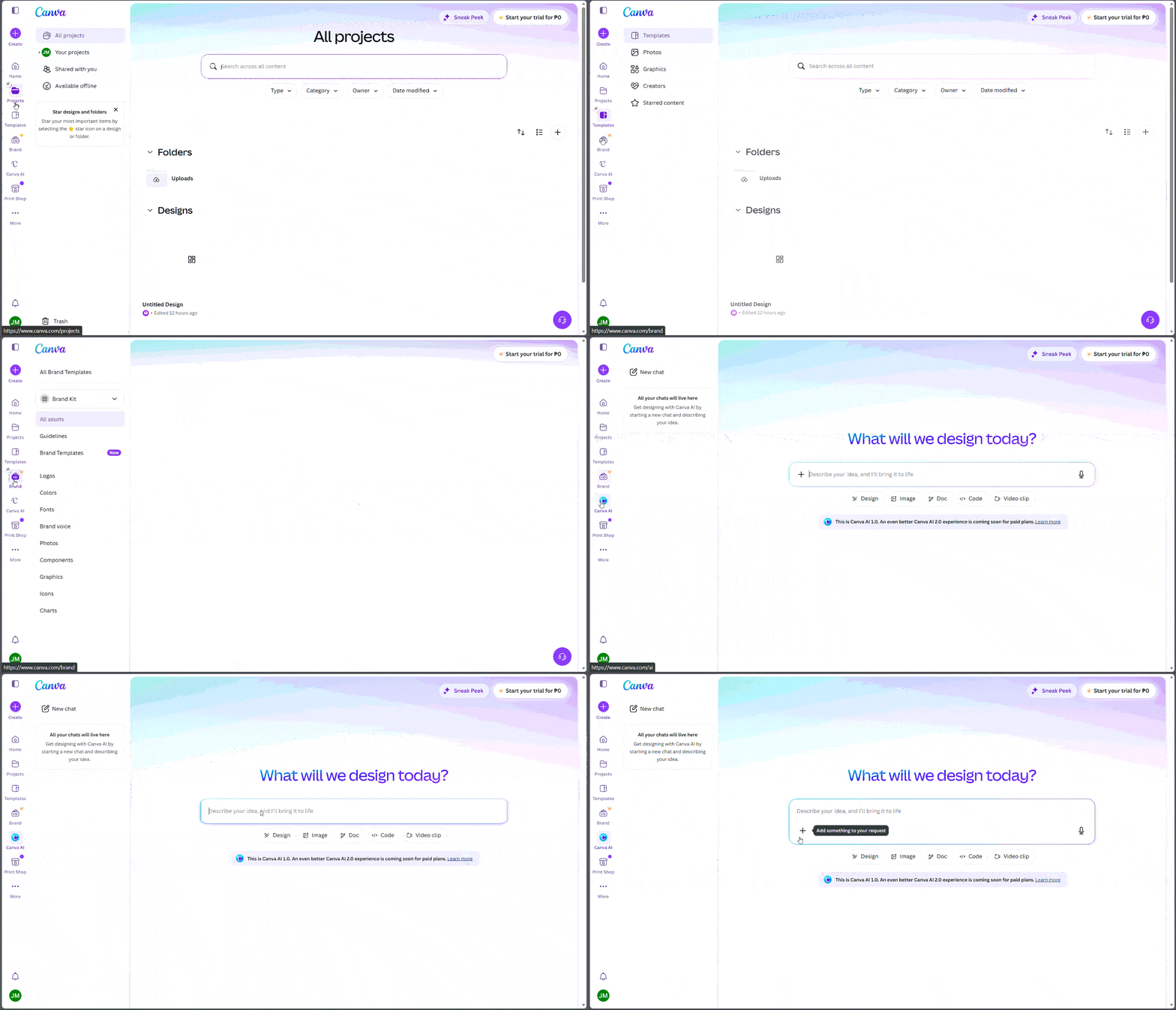
Canva "All projects" dashboard with a top search bar and side menu
Best all-in-one AI poster generator for beginners.
Canva combines AI-powered tools with a drag-and-drop interface, making it easy to create posters, banners, and signage. Its Magic Design feature suggests layouts based on your content, while thousands of templates help speed up the process.
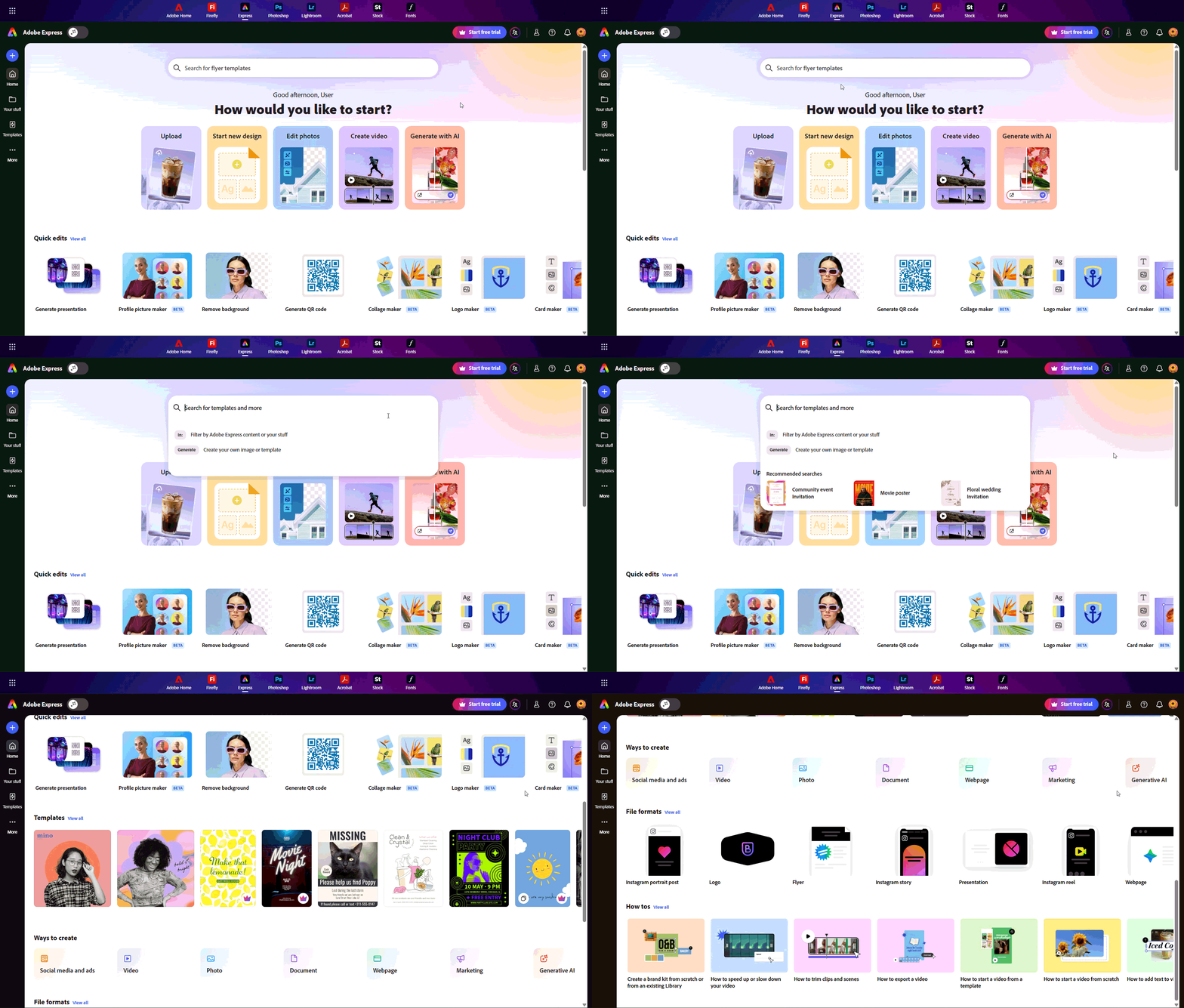
Adobe Express homepage featuring quick-start design and AI creation cards
Best for polished, brand-focused designs.
Adobe Express offers AI-powered features alongside strong typography and branding tools. It’s a great option if you want more control over visual identity while still benefiting from AI-assisted design.
4. Midjourney
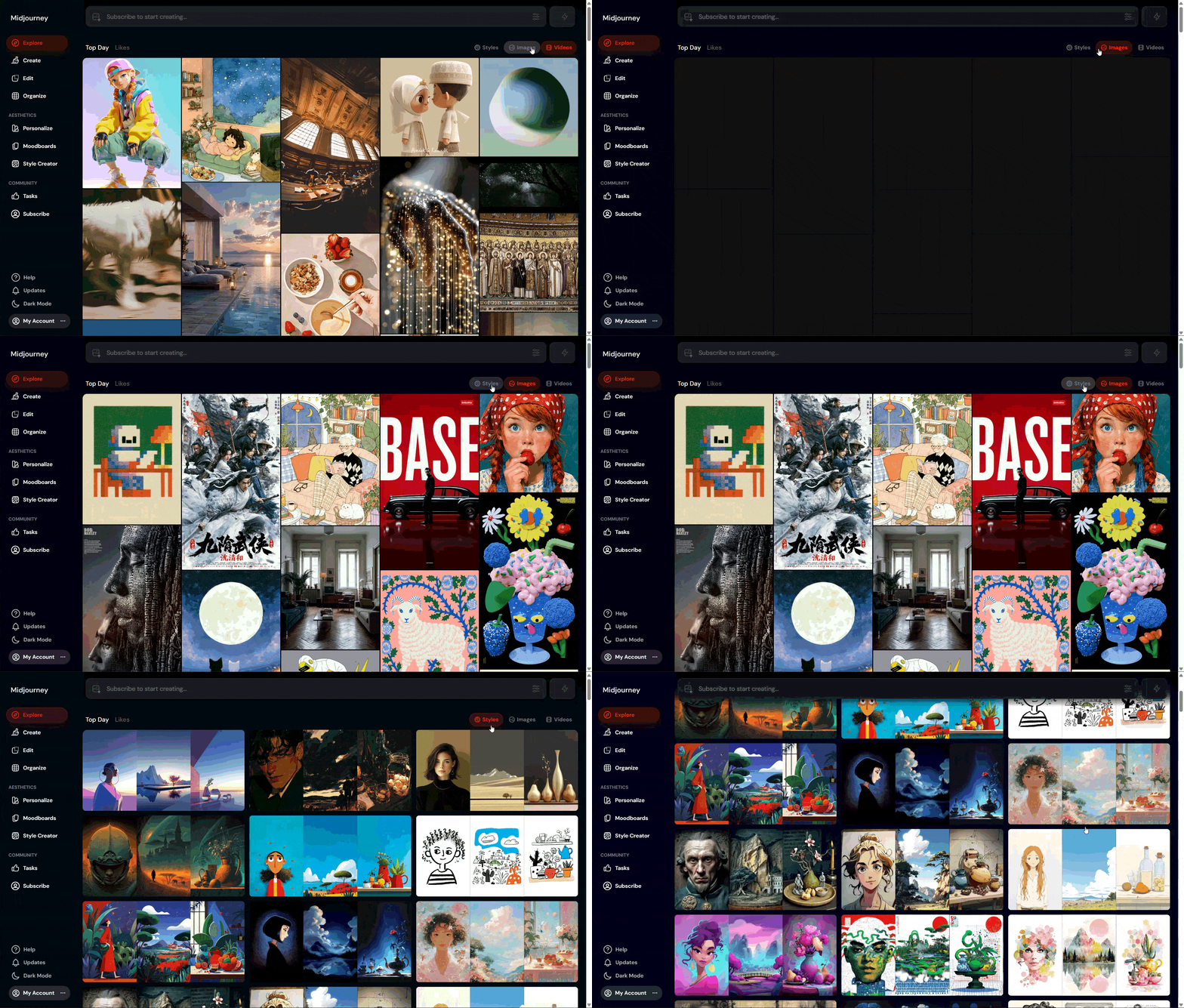
Midjourney web gallery displaying a grid of AI-generated artwork
Best for high-quality, artistic visuals.
Midjourney excels at generating unique, detailed images that can serve as the focal point of your design. While it doesn’t handle layout, it pairs well with other tools for creating standout poster or banner visuals.
5. WheeAI
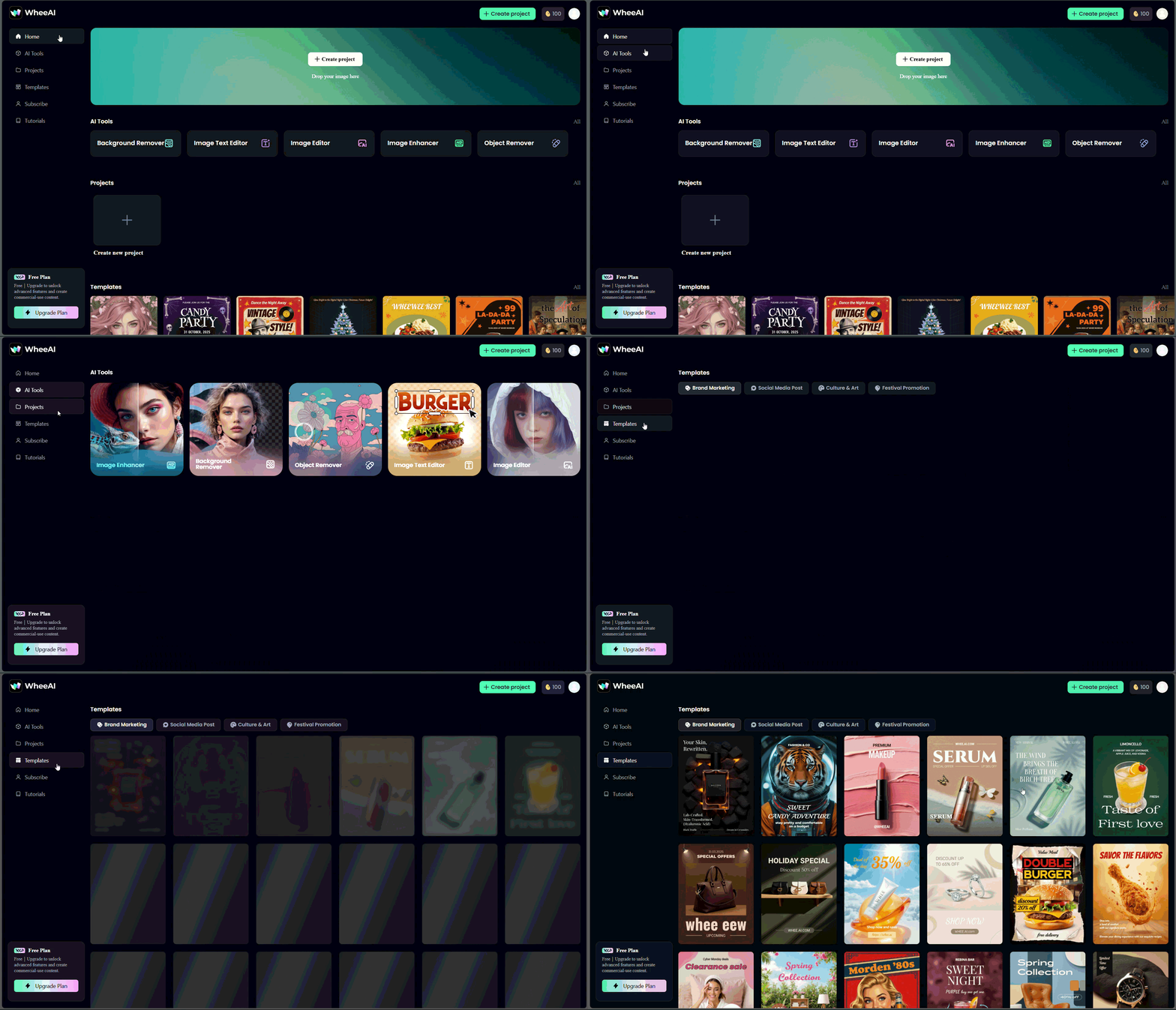
WheeAI dashboard showcasing quick-access AI image editing tools
Best for fast, automated visual generation.
WheeAI focuses on quickly generating design assets and layouts, making it useful for rapid prototyping and simple marketing graphics. It’s a solid option when speed is your priority.
A Step by Step Guide on How to Use AI Tools for Large-Format Print Design
Creating a print-ready design with AI is a straightforward process when you follow these steps:
Step 1: Generate Your Design Concept
Start by defining your goal. Use AI tools to create initial ideas, visuals, or layouts. Be specific with prompts to get better results.
Step 2: Refine Layout and Text
Adjust the hierarchy of your design. Make sure your headline stands out, supporting text is readable, and the call to action is clear.
Step 3: Set Correct Dimensions
Always design at the intended print size. Whether it’s a poster or a large banner, setting dimensions early prevents scaling issues.
Step 4: Export a Print-Ready File
Download your design in a high-resolution format. Double-check for proper margins, bleed, and image quality.
Step 5: Print Your Design
Once your file is ready, bring it to life with professional printing. Whether you’re creating banners, posters, or other large-format prints, choosing the right material and finish makes a big difference in the final result.
Tips for Designing Large-Format Prints with AI
- Use bold, readable fonts
Large-format designs need to be legible from a distance. Avoid thin or overly decorative fonts.
- Keep messaging short and scannable
Focus on key information. Viewers should understand your message in seconds.
- Prioritize contrast and visibility
Strong contrast between text and background improves readability, especially outdoors.
- Test designs at scale (zoom-out method)
Zoom out on your screen to simulate viewing distance. If it’s hard to read, adjust your layout.
- Combine AI visuals with human refinement
AI can generate a strong starting point, but final adjustments ensure a polished, professional result.
Common Mistakes to Avoid When Using AI Tools in Designing Large-Format Graphics
- Using low-resolution AI outputs
Not all generated images are print-ready. Always check resolution before exporting.
- Overcrowding the design
Too much text or too many elements can overwhelm viewers. Keep it clean and focused.
- Ignoring viewing distance
What looks good up close may not work from afar. Design with distance in mind.
- Relying fully on AI without adjustments
AI is a tool, not a replacement for good design judgment. Always review and refine your work before sending it for printing.
- Not proofreading your design
AI-generated text can include errors, awkward phrasing, or incorrect details. Always double-check spelling, grammar, and accuracy before printing.
- Not checking print specs before exporting
Incorrect file settings can lead to poor print quality. Double-check everything before sending to print.
When to Use AI vs. Professional Design
AI Tools
Best for quick projects, tight budgets, and simple designs. Ideal for promotions, temporary signage, and DIY marketing.
Professional Design
Recommended for complex branding, high-visibility campaigns, or when precision is critical.
Hybrid Approach
Many users find success combining both. Use AI to generate ideas and drafts, then refine or finalize with a designer for best results.
AI has made it easier than ever to design posters, banners, and signage. But great design is only part of the process. To get the best results, you need to ensure your files are properly sized, high-resolution, and optimized for print. With the right tools and a solid approach, you can confidently go from concept to a finished large-format print that looks sharp, professional, and ready to make an impact.