
Key Takeaways
- Use an event signage design guide that aligns each display with its viewing distance, location, and call to action.
- Keep fonts, colors, logos, and sponsor branding consistent across all signs to create a cohesive event experience.
- Place signs before key decision points so attendees know where to go or what actions they need to take.
- When choosing a backdrop size, consider visibility, group size, stage design, and venue.
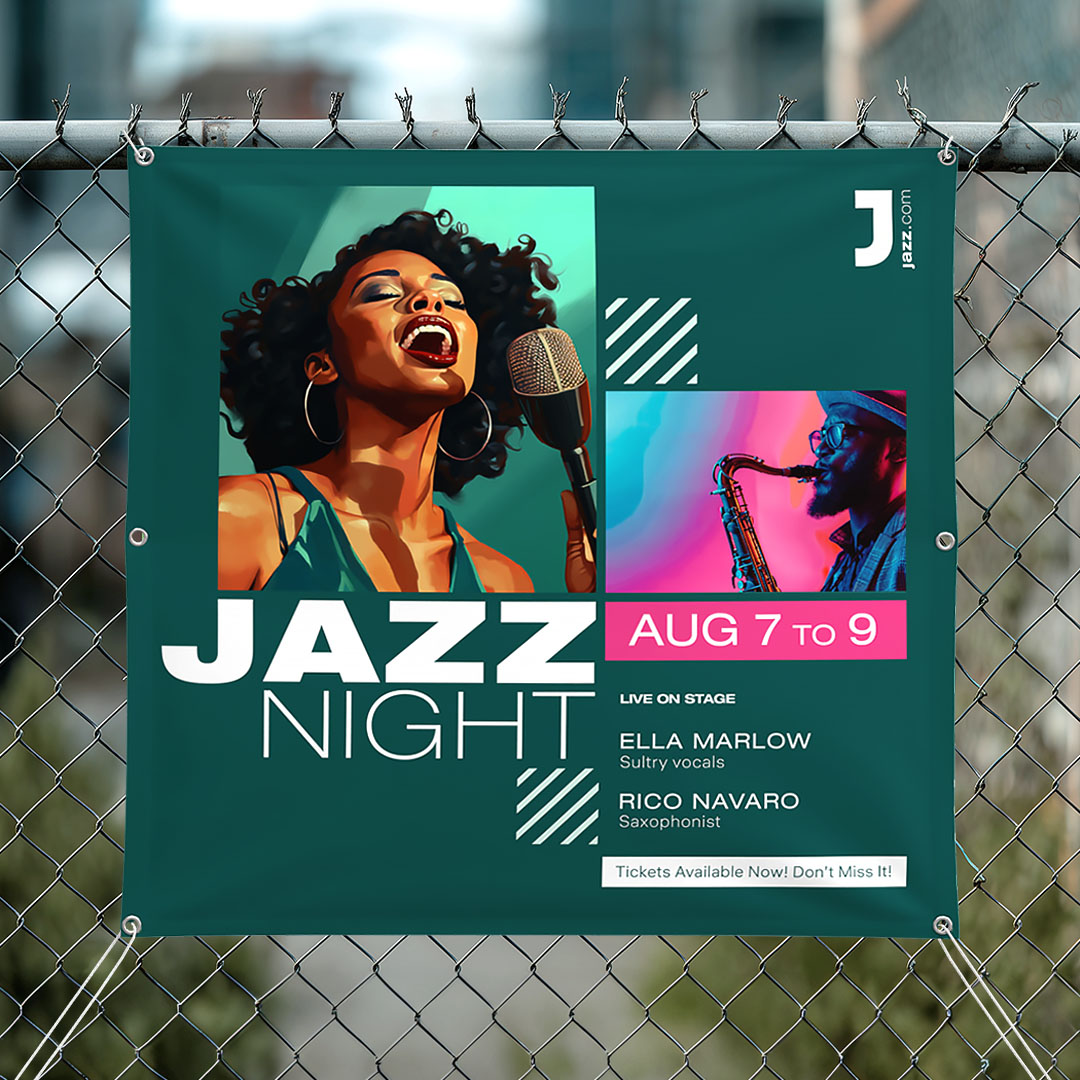
4 Tips for Designing Effective Event Signage
Effective event signage helps attendees navigate your venue with confidence, find key information easily, and engage with your brand. Simply put, they must be easy to see and read and placed where people need them most.
This event signage design guide covers best practices for sizing, placement, readability, and branding, helping you create signs that communicate clearly and attract attention.
1. Keep the message short and easy to scan
Every sign should have one clear purpose. Put the most important message first, include only the details people need, and end with a clear next step.
When attendees can quickly identify the main message, they're more likely to act on it.
For example:
- A directional sign might only need a destination name and arrow.
- A room sign might include the session title and time.
- A sponsor sign might feature a logo and QR code.
2. Prioritize readability over decoration
A visually appealing sign is only effective if people can read it. Follow these simple design tips to improve readability:
- Use strong contrast between text and background colors.
- Choose clear, easy-to-read fonts.
- Keep text concise and avoid overcrowding the layout.
- Limit the number of logos and decorative elements competing for attention.
- If your sign includes background images, make sure they don't interfere with important information.
3. Keep branding consistent across all signage
A consistent branding helps attendees recognize information quickly and creates a more professional event experience. The first and most critical step is to establish standards for these key brand elements: logos, brand colors, fonts, and imagery.
Next, follow these practical tips to maintain brand consistency:
- Use the same logo placement across all signs.
- Use a consistent font for primary messages and a different text style for supporting details.
- Create clear guidelines for sponsor logo size, order, and spacing.
- Use consistent call to actions (CTAs) such as Register, Check In, Scan, or Enter.
- Create separate layouts for horizontal and vertical formats instead of forcing one design to fit every sign dimension or shape.
4. Design for viewing distance
The farther away attendees are, the larger and simpler the message should be. Since viewing conditions vary by lighting, font, and other factors, the table below should be viewed as general guidelines rather than strict rules.
| Viewing Situation | Recommended Viewing Distance | Suggested Headline Text Height | Design Priority | Common Sign Types |
|---|---|---|---|---|
| Tabletop or registration counter | 1-6 ft | 0.5-1 in | Detailed information and QR codes with a short CTA | Counter cards and tabletop retractable banners |
| Hallways and queue lines | 6-20 ft | 1-3 in | Large destination names, arrows, and minimal text | A-Frames, rigid signs, and poster stands |
| Across a room | 20-50 ft | 3-6 in | Bold headlines, high contrast, and limited supporting copy | Retractable banners, vinyl banners, and pop-up displays |
| Behind speakers or on stage | 50-100+ ft | 6-12 in | Large branding elements visible around people and screens | Backdrops, stage banners, and tension fabric displays |
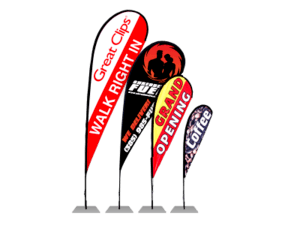
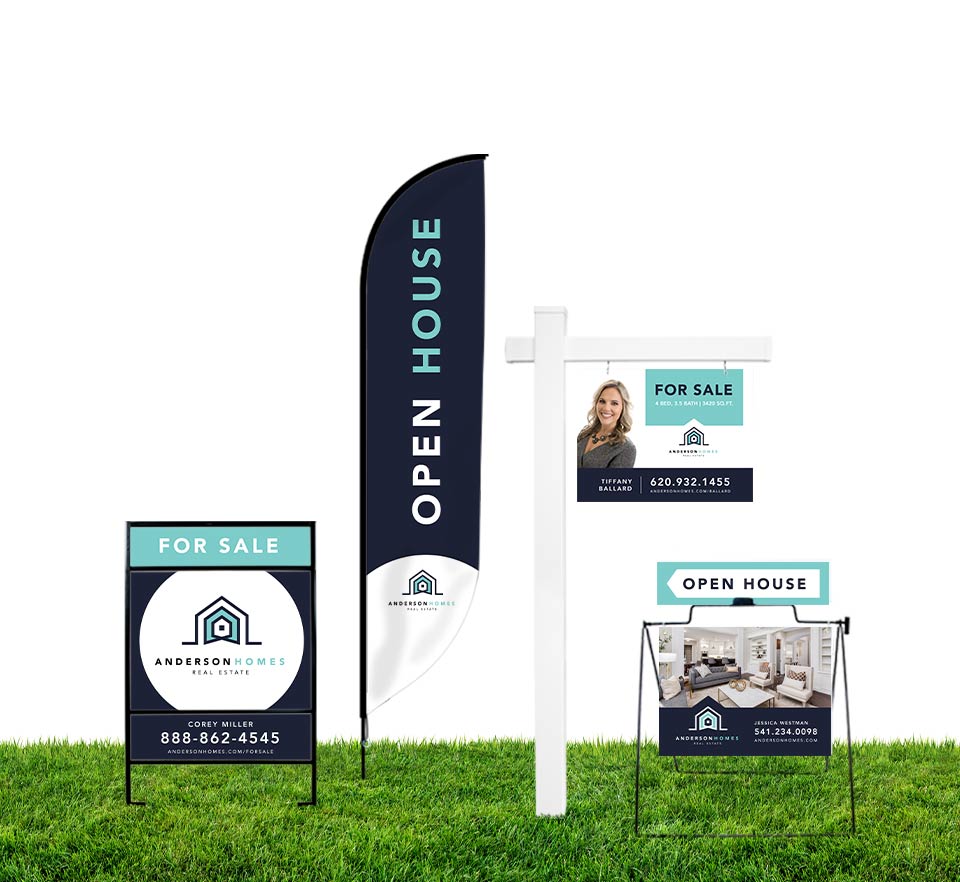
| Outdoor or long-range viewing | 100+ ft | 12+ in | Large graphics, minimal text, and weather-resistant materials | Feather flags, vinyl banners, mesh banners, and yard signs |
Helpful Tip: For every 10 feet of viewing distance, use approximately 1 inch of letter height for your primary message.
Most Popular Event Displays and Design Tips
Different types of event signs and displays serve different purposes. Use the table below to match your chosen format with its intended role and design it for maximum impact.
| Display | Best Use | Design Tips |
|---|---|---|
| Step and Repeat Banner | Sponsor visibility, brand exposure, and guest photography | Use a clean, repeating logo pattern with consistent spacing and strong contrast. Avoid overcrowding the layout. |
| Fabric Backdrop | Large branded venues, stages, and photo opportunities | Use high-resolution graphics and bold visuals, and consider lighting conditions, viewing distance, fabric folds, and camera framing during the design process. |
| Pop-Up Display | Trade show booths and exhibit areas | Focus on one primary message supported by a single strong visual. Keep content concise and easy to scan from a distance. |
| Retractable Banner | Portable promotional messages, product highlights, and wayfinding signs | Place your most important content near the top, as the lower half may be blocked by tables or other displays. |
If you're planning an event on a tight budget, our Event Signage on a Budget Guide can help you choose the most high-impact signs, avoid unnecessary expenses, and select displays you can reuse for future events.
Event Signage Design Mistakes to Avoid
Even well-designed signs can fail if they're difficult to read, placed in the wrong location, or inconsistent with the rest of the event experience. Avoid these common mistakes to keep your signage clear and effective:
- Writing more content than attendees can read at a glance
- Using text that is too small for important directions, schedules, or event information
- Choosing color combinations with poor contrast that reduce visibility
- Applying inconsistent fonts, colors, layouts, or branding across signs
- Placing signs without considering the attendee journey
- Giving sponsor logos equal prominence without reviewing sponsorship requirements
- Selecting signage materials that aren't suited to indoor or outdoor conditions
- Including dates, locations, or other event-specific details on displays intended for reuse
- Trying to communicate multiple messages on a single sign instead of focusing on one clear purpose
How to Choose the Right Size for Event Signs
The right sign size depends on the viewing distance, installation space, and message. Use the guide below to choose a size that keeps your signage memorable and easy to read.
| Common Event Signs and Displays | Recommended Dimensions | Key Considerations |
|---|---|---|
| Registration Desk Sign | Use a sign size that fits the space without obstructing conversations. | Visibility above queues, check-in equipment, and QR code scanning access. |
| Directional Sign | Make the sign large enough to be recognized and read before attendees reach a decision point. | Arrow visibility, mounting height, viewing distance, and placement before turns. |
| Retractable Banner | Choose a tall, vertical format that remains visible across aisles and open areas. | Sightlines, booth or venue restrictions, ceiling height, and banner footprint. |
| Stage Banner | Scale the banner to the stage and consider how it appears in photos and videos. | Speaker positioning, screen placement, lighting conditions, and installation surface. |
| Photo Backdrop | Select a width that accommodates the expected group size while keeping branding visible. | Open floor space, camera distance, and full-frame logo visibility. |
| Outdoor Signs and Banners | Match the banner size to the installation area and the path attendees will take. | Wind exposure, attachment points, local regulations, and venue requirements. |
Where to Place Event Signs for Maximum Visibility
Place signage where guests naturally need information, guidance, or reassurance throughout their journey, from arrival to departure.
Before the Entrance
Use signs along arrival routes to guide guests to parking areas, rideshare drop-off points, accessible entrances, and the correct building or gate. Position signs far enough in advance to give drivers and pedestrians time to react safely and confidently.
At the Entrance
Confirm that guests have arrived at the right event, then clearly direct them to registration, check-in, or the main venue space. To keep information easy to scan, separate welcome messaging from detailed instructions whenever possible.
At Decision Points
Place signs before hallway intersections, stairways, elevators, room entrances, and any location where attendees must choose a direction. Face signs toward approaching traffic and verify that they remain visible from all possible approaches.
Inside Event Spaces
Use your stage backdrop or primary display as the visual focal point of the space and complement it with smaller signs placed near aisles, activity areas, or key attractions. Avoid placing signs where crowds, furniture, screens, or presentations may block them.
At Exits
Help attendees locate parking, transportation, coat check, or their next destination. Exit signs can also encourage simple post-event actions, such as completing a survey or scanning a QR code, as long as they don't compete with essential wayfinding information.
Not sure where signage is needed? Check out our Event Signage Checklist to map the attendee journey and identify every location that requires a sign.
Event Signage Design FAQs
How big should an event sign be?
Choose a size based on the sign's intended viewing distance, available space, and purpose. Key information should be readable before attendees need to make a decision.
What is the ideal backdrop size?
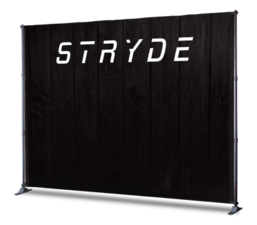
Choose a backdrop size wide enough for group photos and stage elements. Common step-and-repeat sizes include 8' × 8', 9' × 8', and 10' × 8'.
Is there a word limit for event displays and signs?
The general rule is to keep the message short so that attendees can understand it in 3 to 5 seconds.
Where should I place directional and wayfinding signs?
Place directional and wayfinding signs before decision points. You may need to use multiple signs for bigger venues and longer routes.
What makes event signage easy to read?
Clear typography, strong contrast, concise messaging, and a logical visual hierarchy.
What signage works best outdoors?
Choose signage based on weather conditions, viewing distance, installation area, and length of use.
What's the difference between a backdrop and a banner?
A backdrop is used for a stage, booth, or photo area to create a "branded venue." A banner is a more versatile display that is often used to communicate a specific message.
Design Event Signs That Get Noticed
Effective event signage helps attendees navigate your venue, find information quickly, and engage with your brand. By placing signs strategically, choosing the right size and format, and keeping your branding consistent, you can create a smoother and more professional event experience.
Ready to bring your event signage to life? Explore Signs.com banners, backdrops, displays, flags, and other signs to create a seamless attendee journey. .